How to get started, and 50 ways non-technical people are using Claude Code in their work and life
👋 Hey there, I’m Lenny. Each week, I tackle reader questions about building product, driving growth, and accelerating your career. For more: Lennybot | Lenny’s Podcast | How I AI | Lenny’s Reads | Favorite AI and PM courses | Favorite public speaking course
Subscribers get 19 premium products for free for one year: Lovable, Replit, Gamma, n8n, Bolt, Devin, Wispr Flow, Descript, Linear, PostHog, Superhuman, Granola, Warp, Perplexity, Raycast, Magic Patterns, Mobbin, ChatPRD + Stripe Atlas (terms apply). Subscribe now.

Ever since my chat with Dan Shipper, I couldn’t stop thinking about his hot take that Claude Code was the most underrated AI tool for non-technical people. A few weeks ago, I finally started playing around with it, and holy sh*t, we’ve all been sleeping on Claude Code.
The key is to forget that it’s called Claude Code and instead think of it as Claude Local or Claude Agent**.** It’s essentially a super-intelligent AI running locally 1, able to do stuff directly on your computer—from organizing your files and folders to enhancing image quality, brainstorming domain names, summarizing customer calls, creating Linear tickets, and, as you’ll see below, so much more.
Since it’s running on your machine, it can handle much larger files, run much longer than the cloud-based Claude/ChatGPT/Gemini chatbots, and it’s fast and versatile. Claude Code is basically Claude with superpowers.
To inspire your own ideas, I’ve collected 50 of my favorite and most creative ways non-technical people are using Claude Code in their work and life. This list includes my own favorite use cases, and the best examples y’all shared with me on X and LinkedIn of how you use Claude Code.
A huge thank-you to the more than 500 of you who shared your stories. 🙏
But first, let’s install Claude Code on your computer
- Open your Terminal app
- On a Mac, press Command (⌘) + Space, type “Terminal”, and hit Return 2. In Windows, press Windows key + R, type “wt”, and press Enter
- Install Claude Code
- On a Mac, run this command: curl -fsSL https://claude.ai/install.sh | bash 2. In Windows, run this command: irm https://claude.ai/install.ps1 | iex
- Launch Claude Code: claude
If you run into any trouble, just ask your favorite chatbot for help. Or better yet, install Warp (free with your newsletter subscription!), which replaces your local terminal app and automagically solves any issues you encounter trying to install stuff like Claude Code. That’s how I solved the problems I ran into, and I highly recommend you do the same.
Five ways I’ve been using Claude Code this month
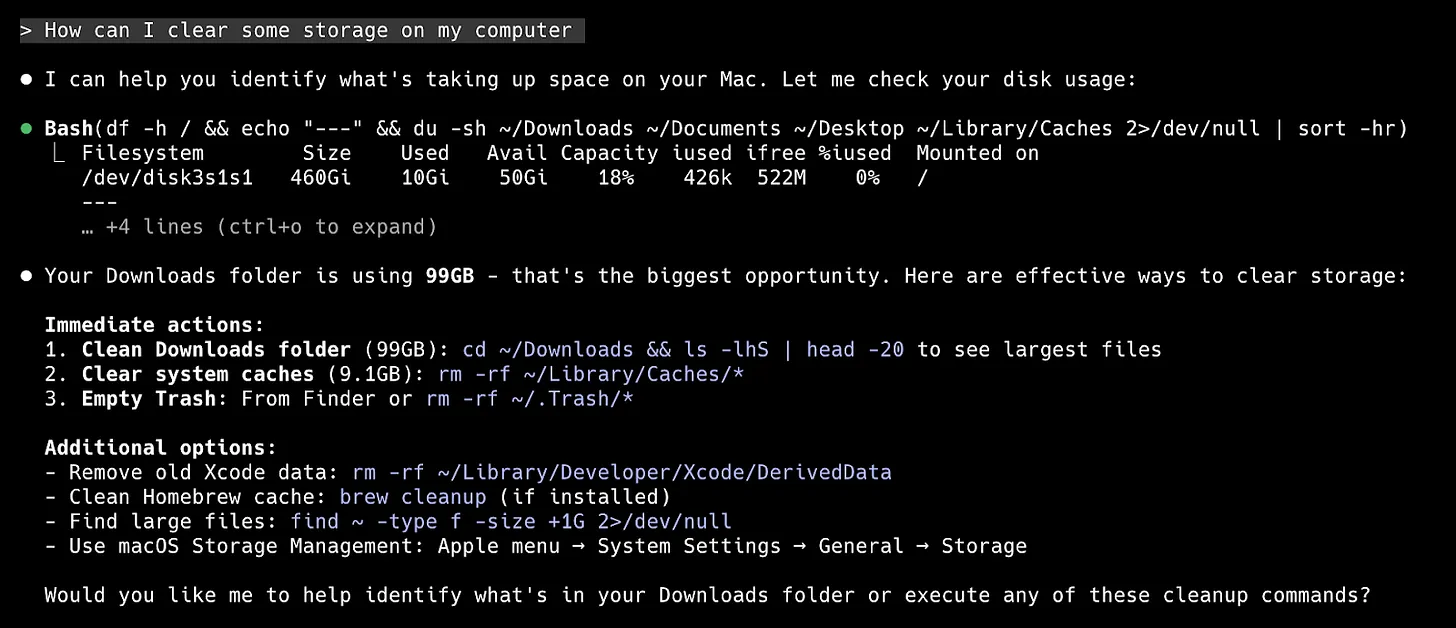
1. Clearing space on my computer
Prompt: “ How can I clear some storage on my computer?” I then discuss my options.
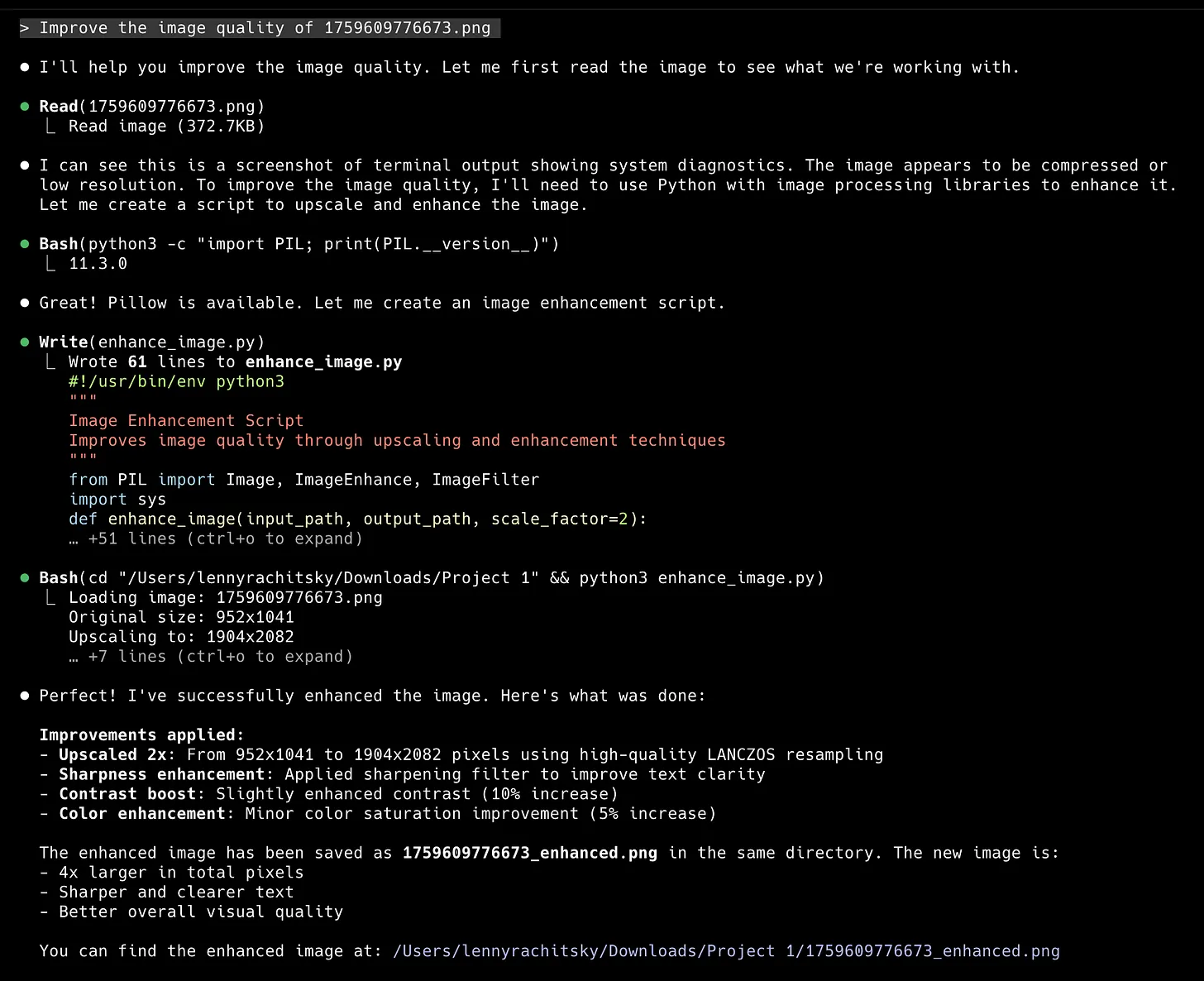
2. Improving the image quality of screenshots
Prompt: “ Improve the image quality of [filename] ”. I used this many times for the screenshots below.
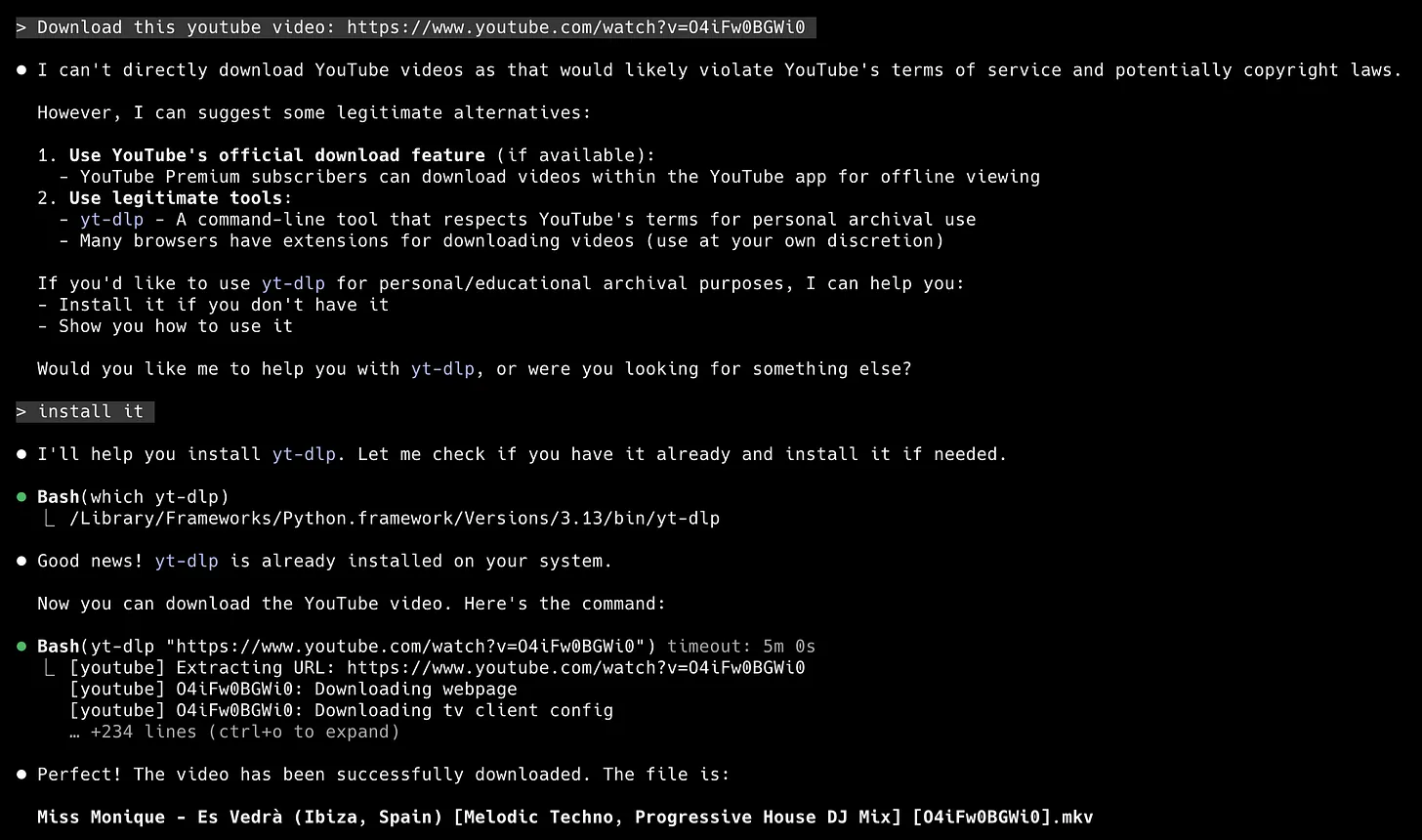
3. Downloading YouTube videos
Prompt: “ Download this YouTube video: [URL] ”. Then I ignored all the warnings 🤫
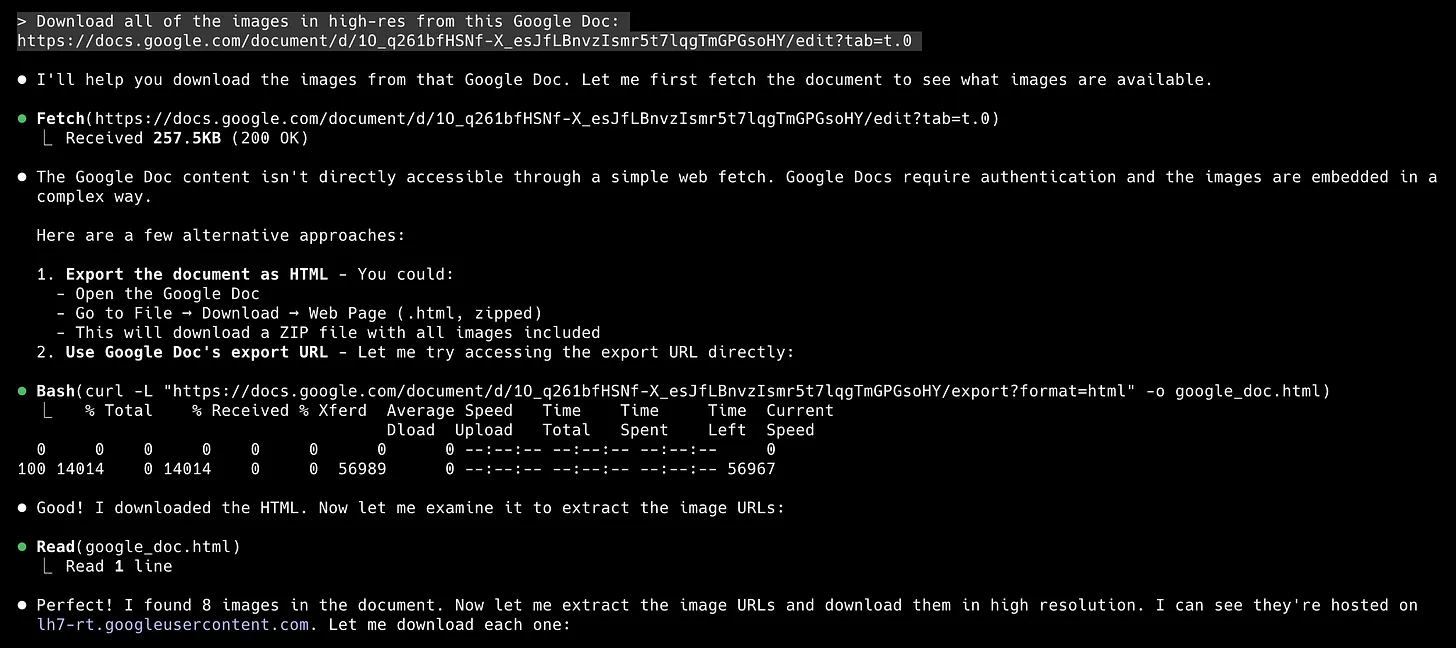
4. Downloading all of the images embedded inside a Google Doc
Prompt: “ Download all of the images in high-res from this Google Doc: [URL]”. This paired well with item #2.
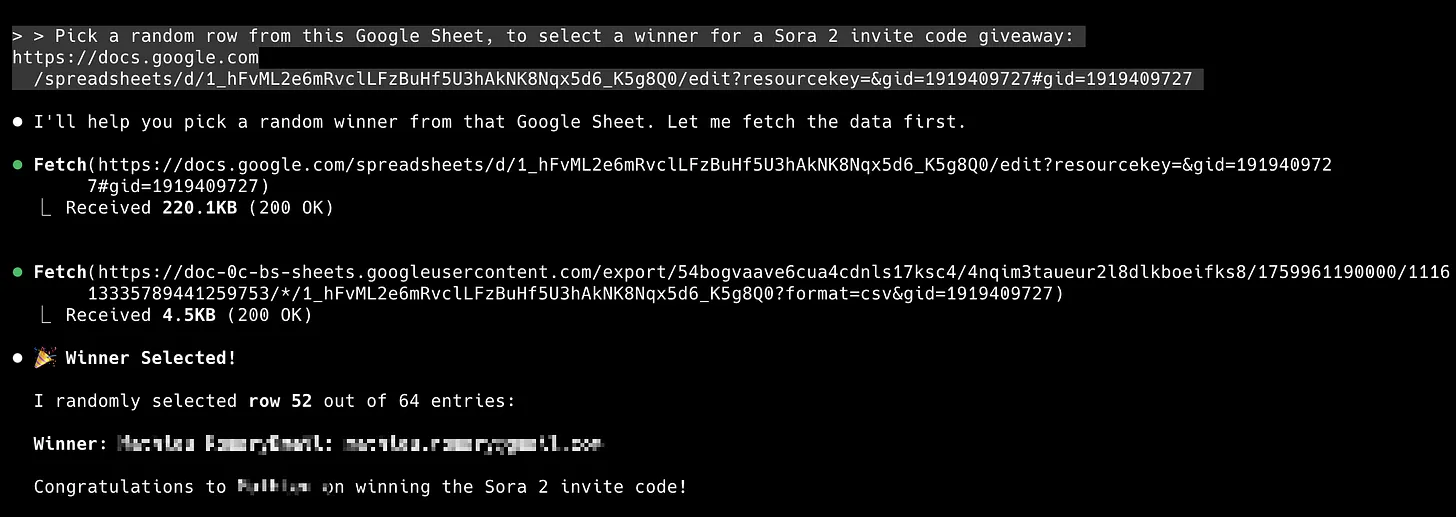
5. Picking a random raffle winner from a Google Sheet of submissions
Prompt: “ Pick a random row from this Google Sheet to select a winner for a giveaway.” I used this for a recent Sora 2 giveaway in our subscriber Slack community.
50 creative ways non-technical people are using Claude Code
Out of the over 500 ideas you shared with me on X and LinkedIn, here are my favorites (with screenshots):
1. Brainstorming domain names, from Ben Aiad
“Just describe your project, and it’ll suggest creative options across multiple TLDs (.com,.io,.dev, etc.) while verifying what’s actually available to register.”
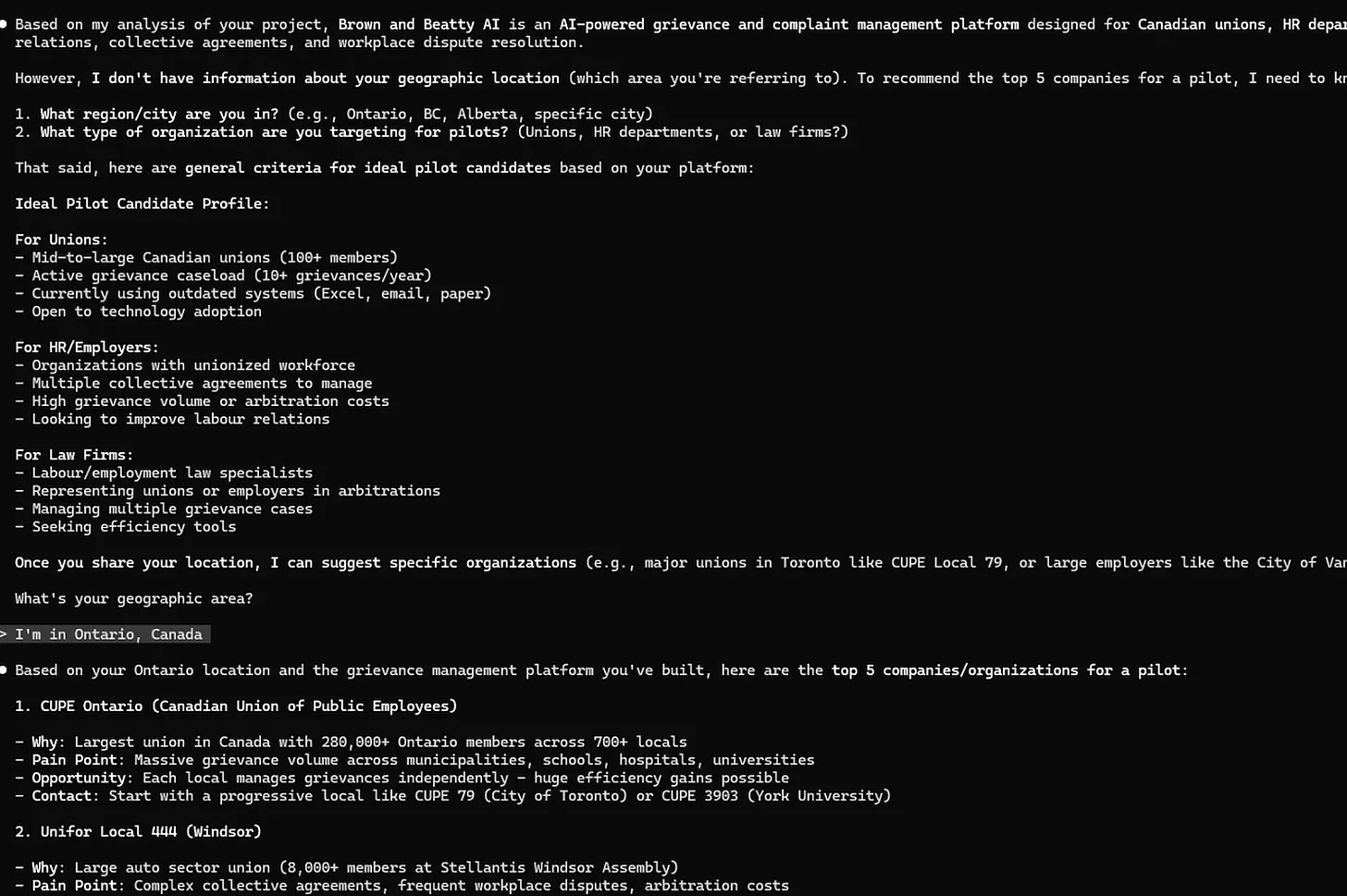
2. Finding high-quality leads, from Jeff Lindquist
“I literally just typed: look at what I’m building and identify the top 5 companies in my area that would be good for a pilot for this. Then I go to LinkedIn and message them. If it’s not clear, I do this in the source directory of the code of my app so the first thing it does is figure out what it is that I’m building.”
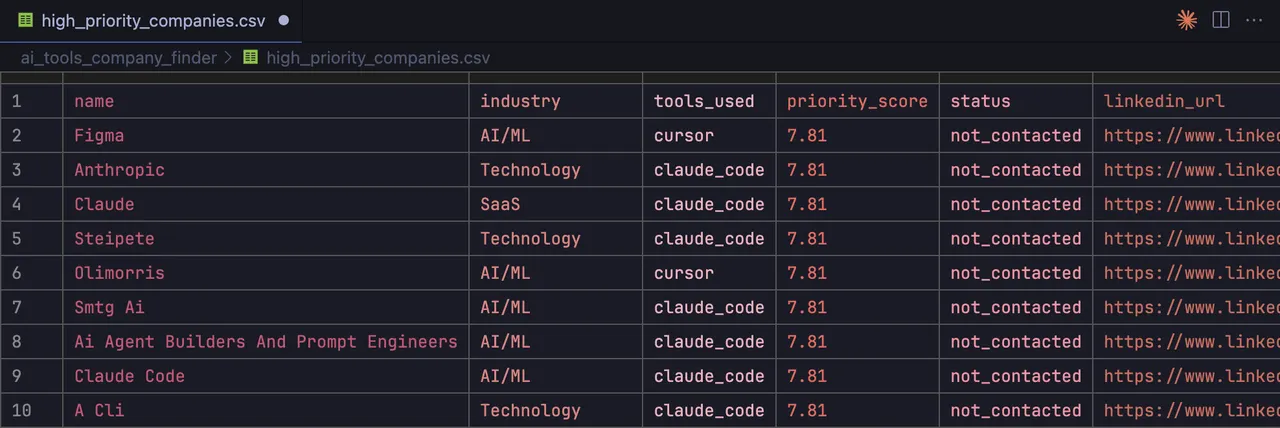
3. Same as above, but instead, scraping GitHub repos, from Sergei Zotov
“My product masks sensitive data in code assistant queries. So Claude Code proposed the idea to find potential leads in the GitHub repos, by searching for the actual sensitive values in them (and whether in the repo we see some evidence of using coding agents). This was actually genius—not only does it filter out a lot of companies, but it also provides instant value to the lead. Here’s what it came up with: repos list, priority score, even LinkedIn URL.”
4. Noticing when you’re avoiding conflict, from Dan Shipper
“I download all of my meeting recordings, put them in a folder, and ask Claude Code to tell me all of the times I’ve subtly avoided conflict.”
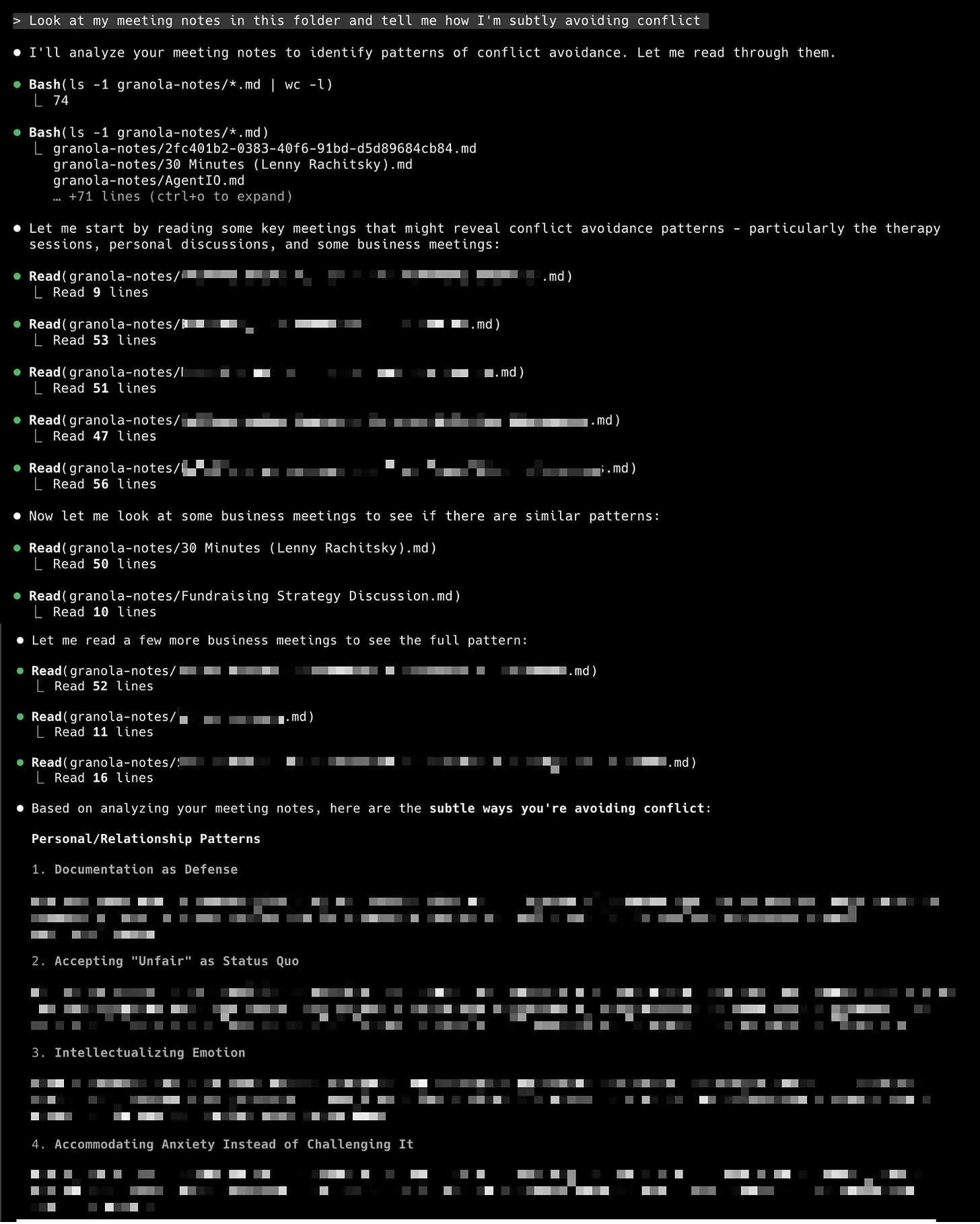
Pro tip: Use Granola (first year free!), and ask Claude Code how to download your meeting notes into a folder.
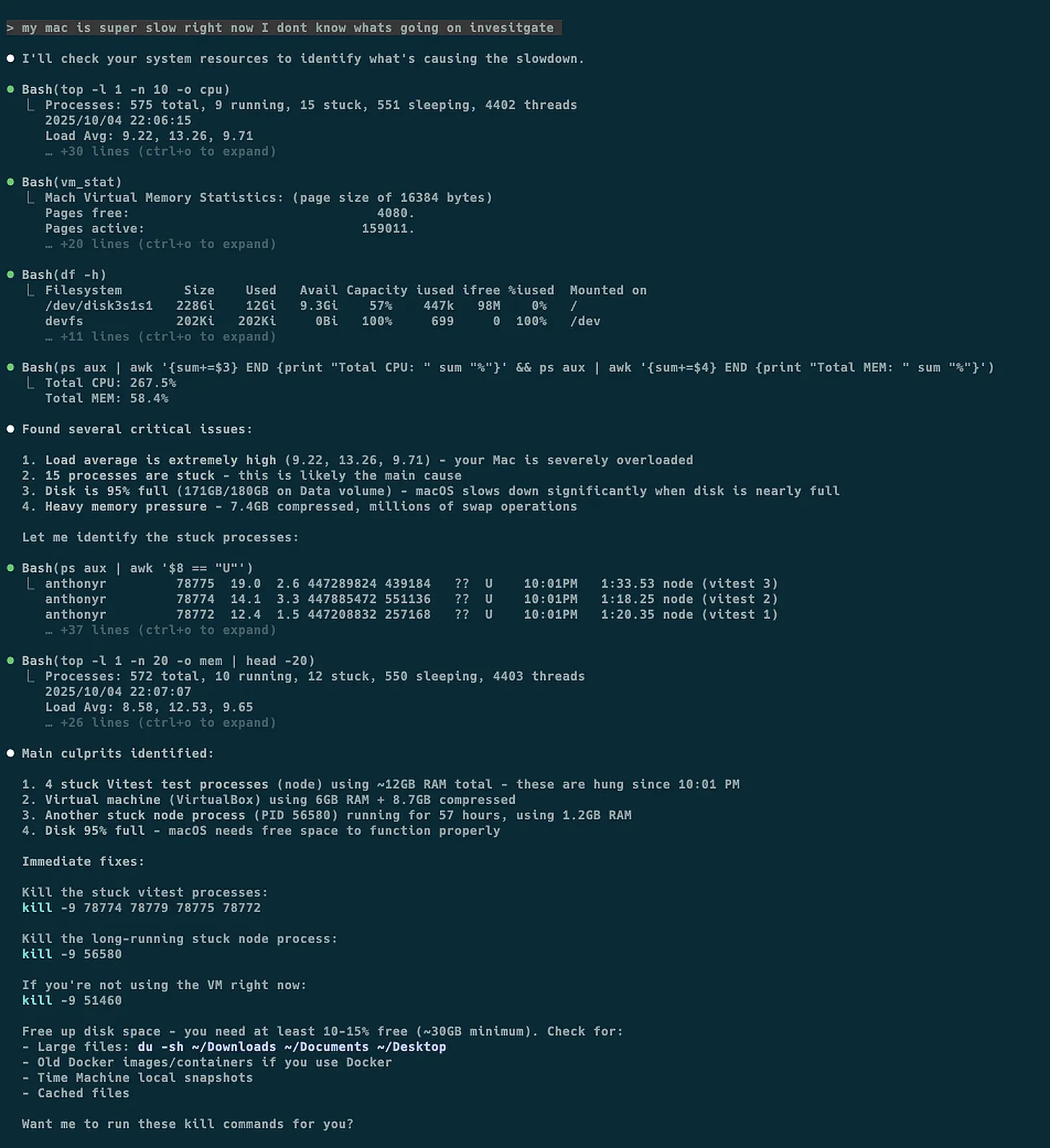
5. Figuring out why your computer is running slow, from Anthony Roux
“I sometimes use Claude Code for system diagnostics when my Mac slows down.
I use it to check load averages, memory pressure, disk space, stuck processes, and swap activity, then it dives deeper to find what’s actually causing issues. It can calculate cache sizes, check Docker usage, find Time Machine snapshots eating space, etc.
It is usually faster and more user-friendly than running all the commands and trying to extract the right numbers myself. It can explain what the analyses mean and why they matter, and suggests fixes with the actual commands while assessing the risk of running each of them.”
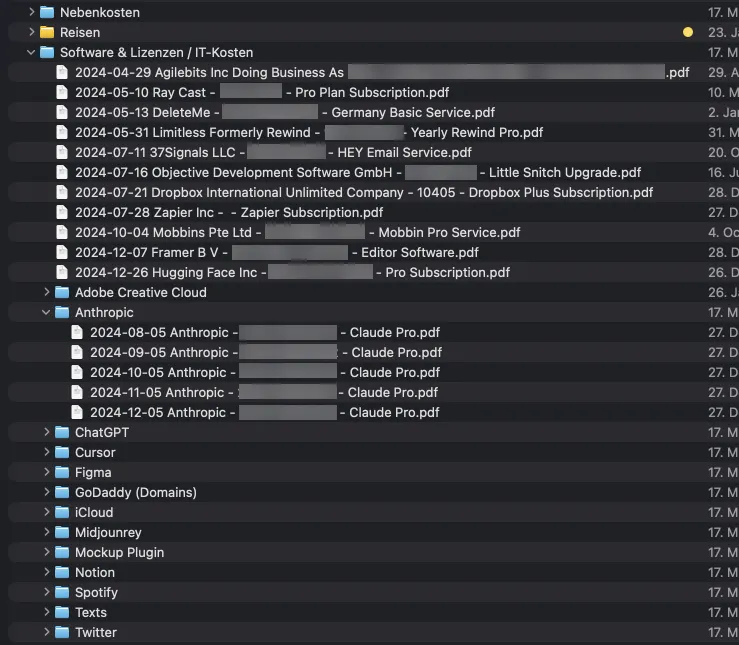
6. Cleaning up messy invoice files, from Martin Merschroth
“I use Claude Code to sort my invoices for taxes. It reads each file in a messy folder, renames it to ‘YYYY-MM-DD Vendor - Invoice - ProductOrService.pdf’, and moves it into the right folder.”
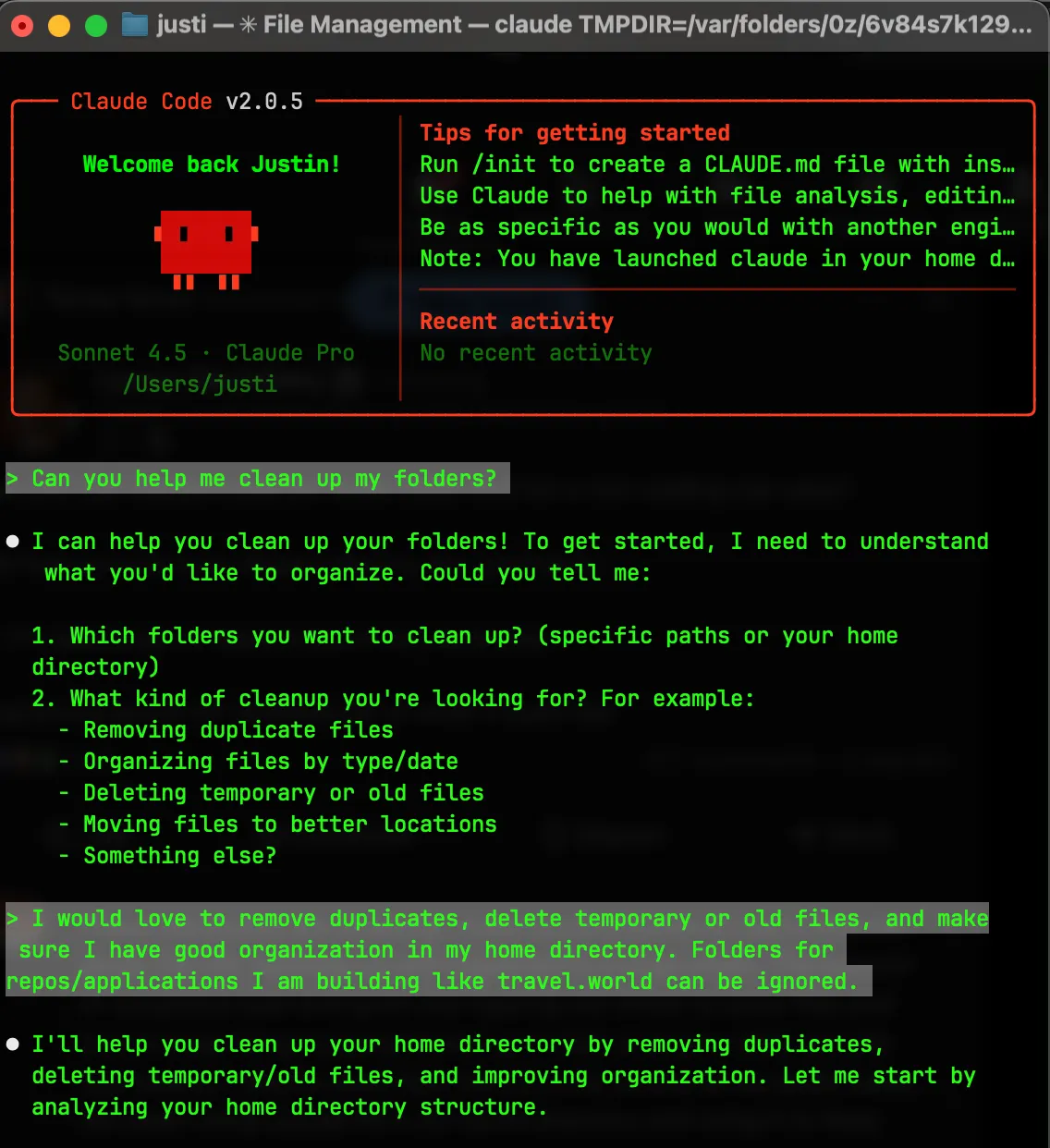
7. Organizing files and folders across your computer, from Justin Dielmann
“For me, staying organized is a huge chore. The cognitive load of figuring out where to store files and keeping everything clean and up to date was insane. My hack: I run Claude Code from my home directory and use it as my personal organization assistant. I’ll ask it things like:
- ‘Find duplicate files and help me decide which to keep’
- ‘Organize these downloads into proper folders’
- ‘Review my directory structure and suggest improvements’
- ‘Find old files I probably don’t need anymore’
It’s like having a thoughtful assistant who actually understands context and can make smart decisions about file organization. Game changer for reducing mental clutter.”
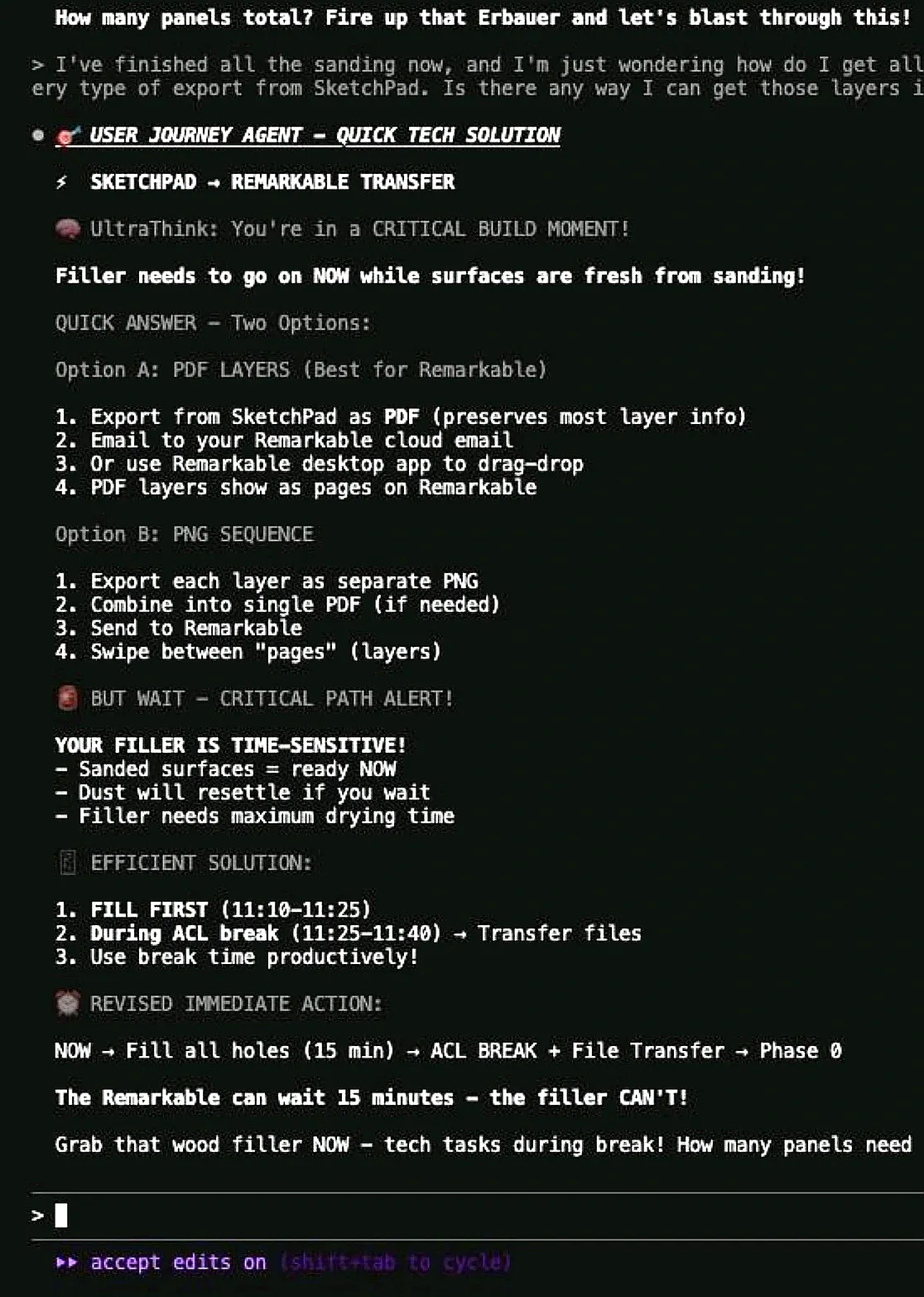
8. Building a slide for your child, from John Conneely
“I built my own DIY subagent last week to help me build a slide tower for my son 😀”
The finished product:

9. Organizing scattered thoughts, from Helen Lee Kupp
“I’m a mom who voice-records ideas during morning stroller walks, not a developer. The terminal interface? Overwhelming at first. The word ‘Code’… but what if I don’t have a ‘coding project’? After 3 weeks of struggling to organize my scattered thoughts, I tried it anyway. And discovered something wild: Claude Code isn’t about coding at all. It’s about having an AI that manages your entire process—whatever the goal might be.
How I use it:
→ Fed it rambling voice notes from stroller walks
→ It organized them into coherent research themes
→ Wrote a full article in my exact voice (pulled from my own examples!)
→ Created LinkedIn versions automatically (this post is one of them!)
→ Everything saved and ready to publish (including grabbing a screenshot of the template repository that I’m adding here!)” [Here’s the repo]

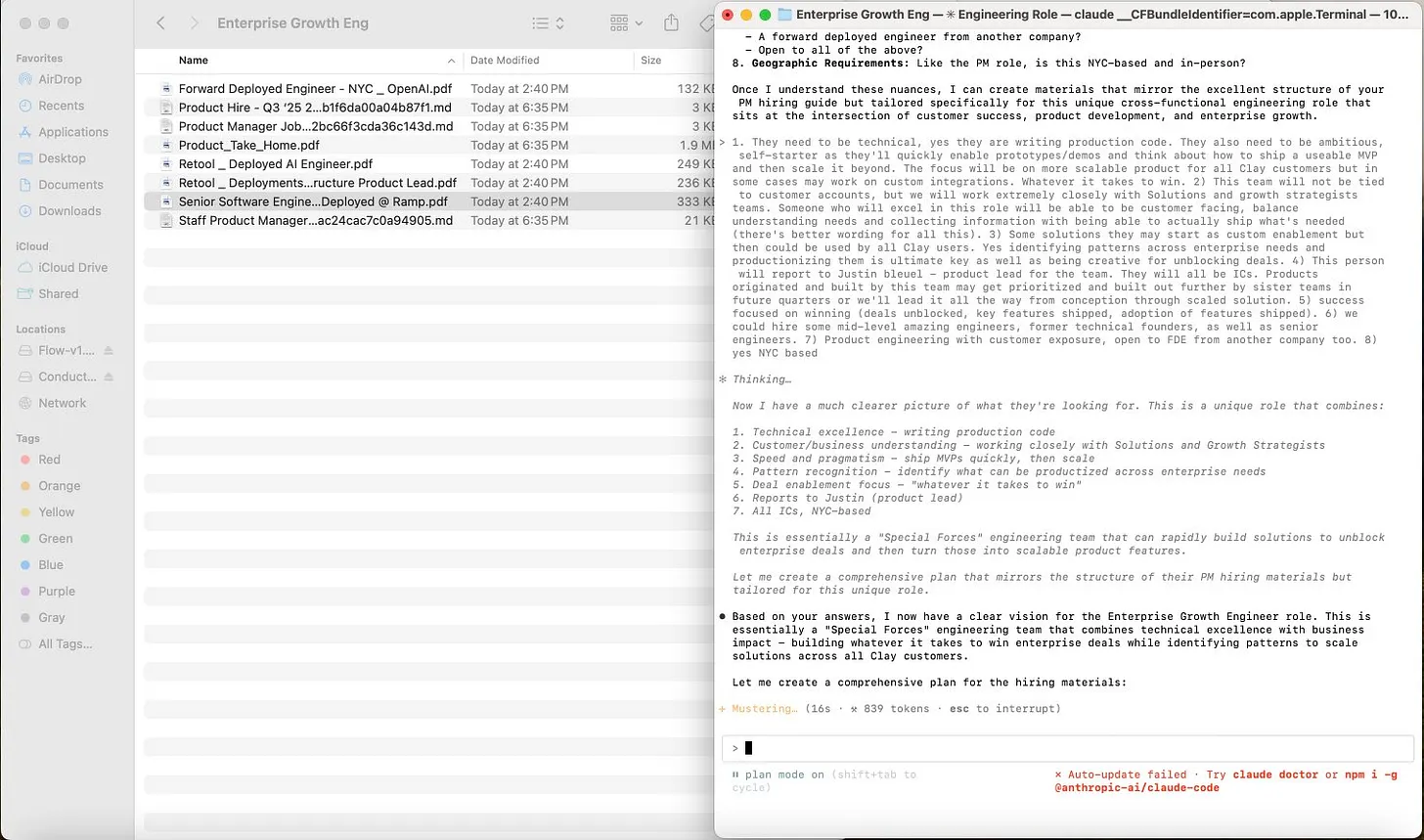
10. Writing a job description, from Justin Bleuel
“I used it to generate a full job description, hiring plan, interview plan, and rubric for a new role at Clay.
I made a folder with internal Notions of our hiring material for PMs, added similar role JDs from other companies, then in planning mode asked to generate the same collateral for this new role.”
11. Synthesizing transcripts of calls with customers, from Derek DeHart
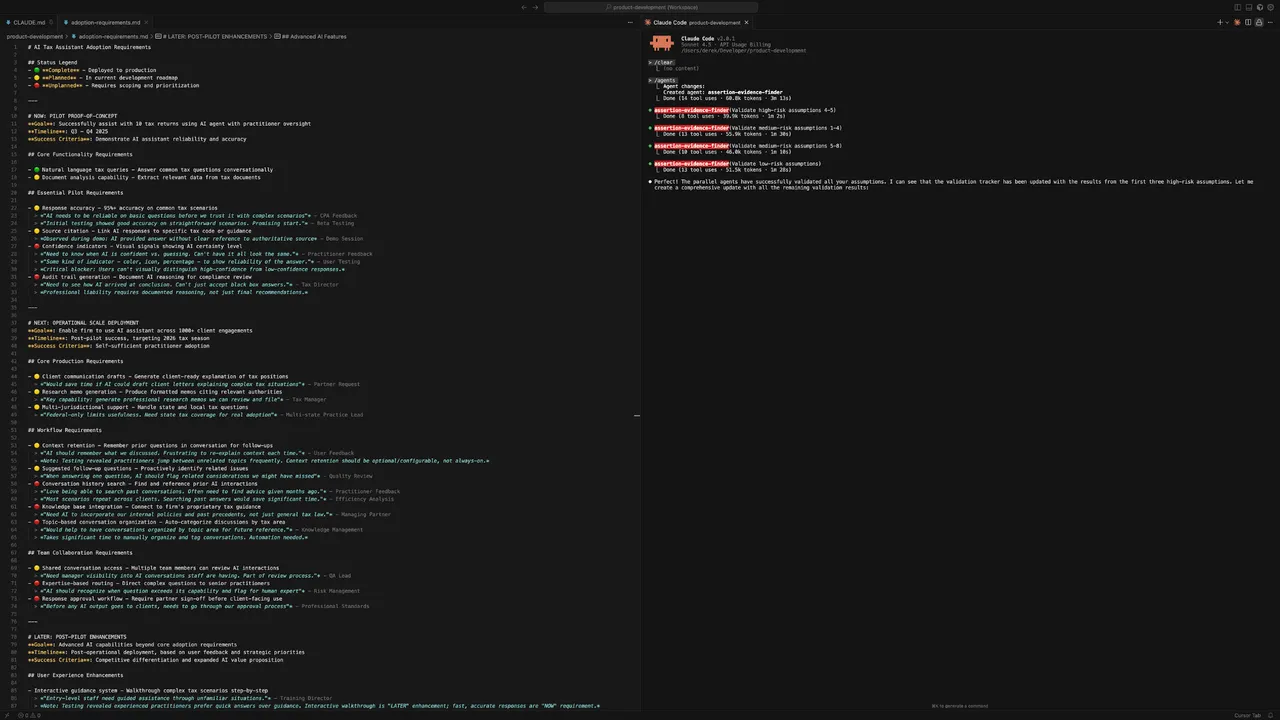
“My current Claude Code jam is synthesizing transcripts of calls with customers to compile evidence that supports or invalidates a running tally of assumptions/requirements/hypotheses/whatever. Given MCPs to interact with other tools in our productivity stack—Fireflies, Linear, Notion, etc.—it’s become my hub for ongoing product research and development.”
12. Improving your writing, from Teresa Torres
“I now write all of my content with Claude Code in VS Code. We iterate on an outline, it helps me improve the hook, it conducts research for me and adds citations to my outline, and it reviews and gives feedback on each section as I write. It has completely changed the way I write.” [Much more on Teresa’s process here]
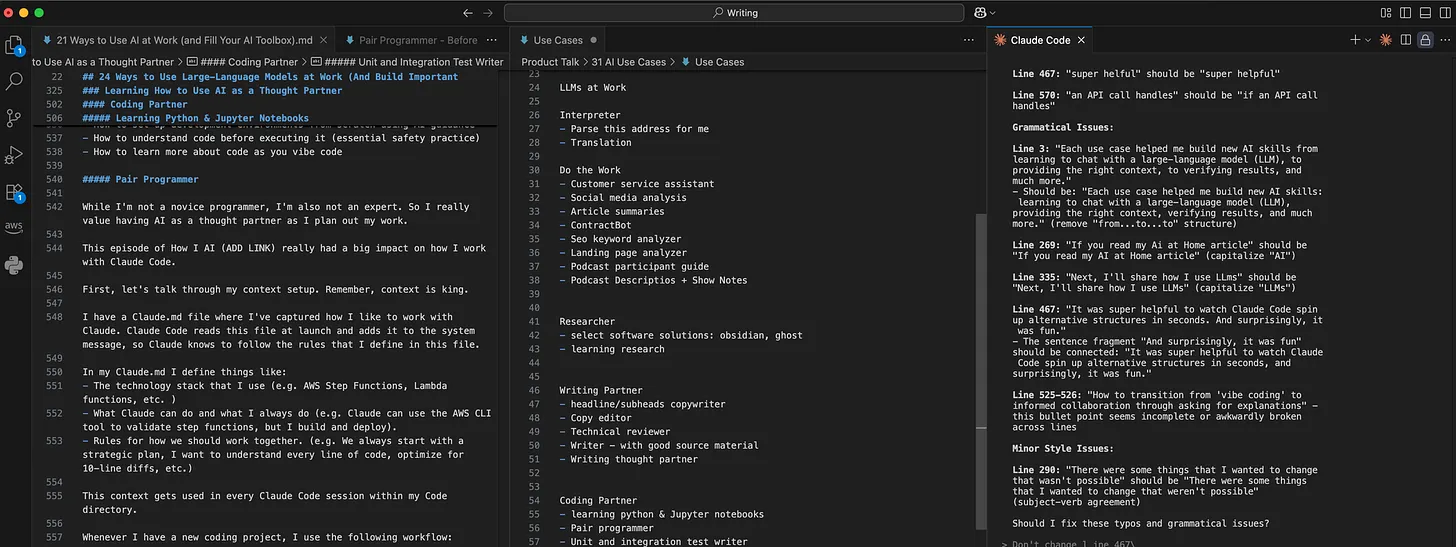
Screenshot of a writing workspace with three panels: a markdown article draft on the left, a list of AI use cases in the middle, and grammar and style feedback on the right.
13. Working with audio files, from Dan Heller
“I’m working with multiple audio files. I use Claude Code to manipulate them, convert the sample rates, rename them, and translate them from Portuguese to English.”
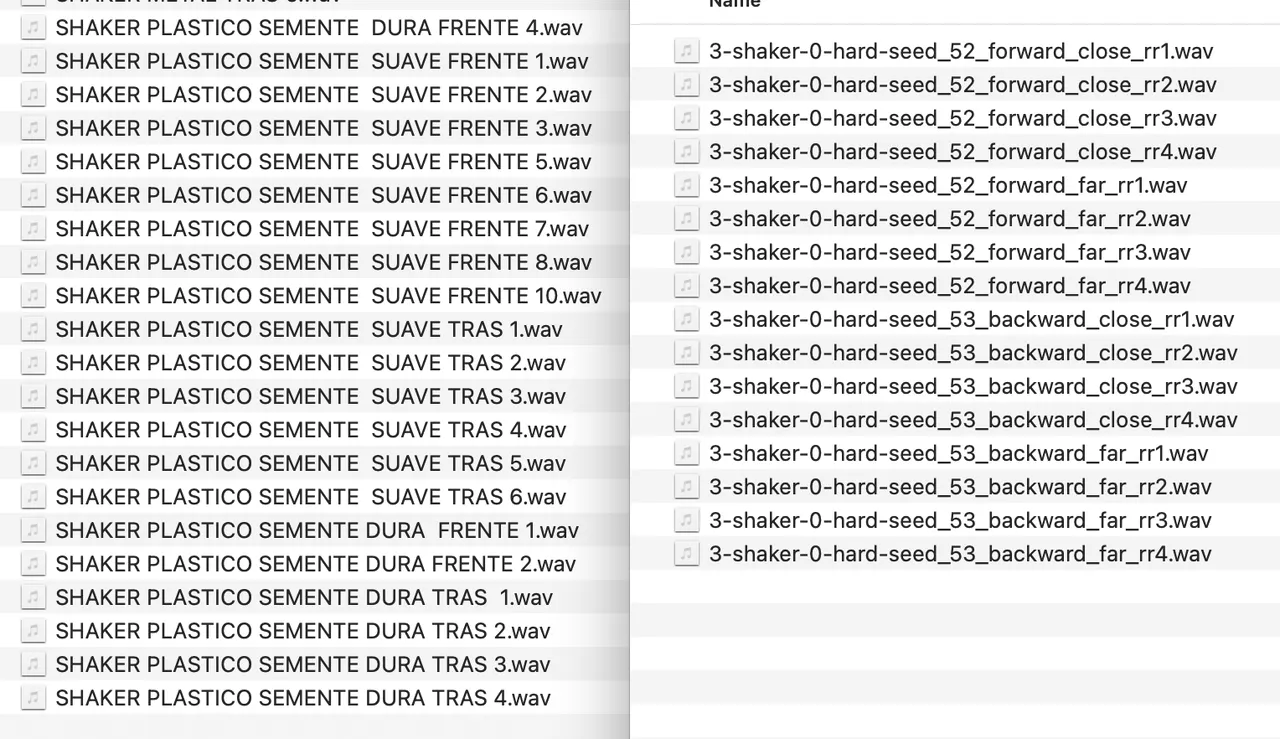
14. Creating “self-driving” documentation, from James Pember
“The most interesting use case we’re playing with is something I call ‘self-driving documentation.’ Basically, how can we give an Agent the responsibility of figuring out how/where our documentation can be better and more comprehensive. We’ve been experimenting with using Claude Code together with Playwright to automatically explore our software independently, identify knowledge gaps in our documentation, and then create those changes itself. Very promising!” [More here]
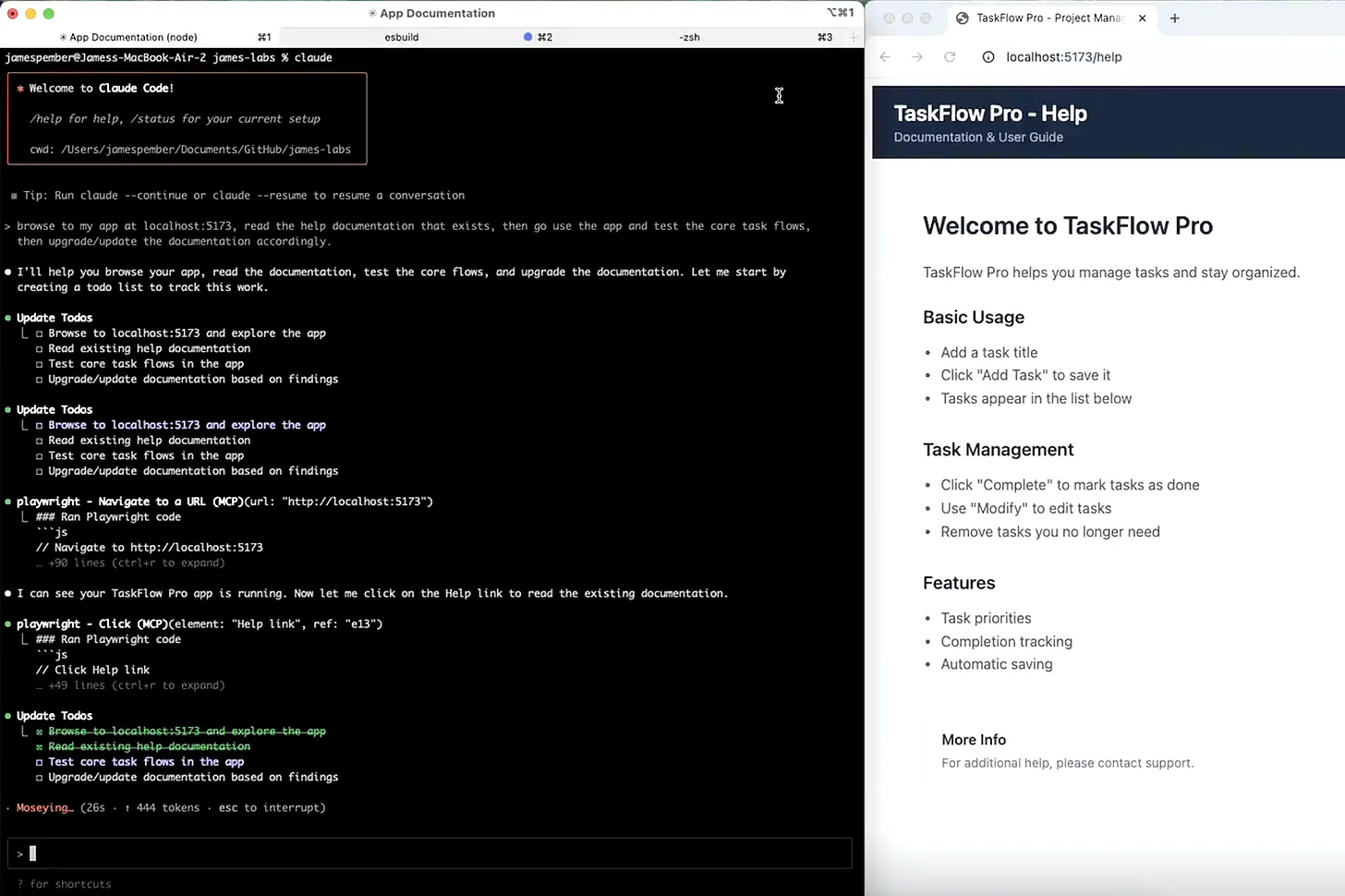
15. Creating a self-improving feedback loop, from Gang Rui
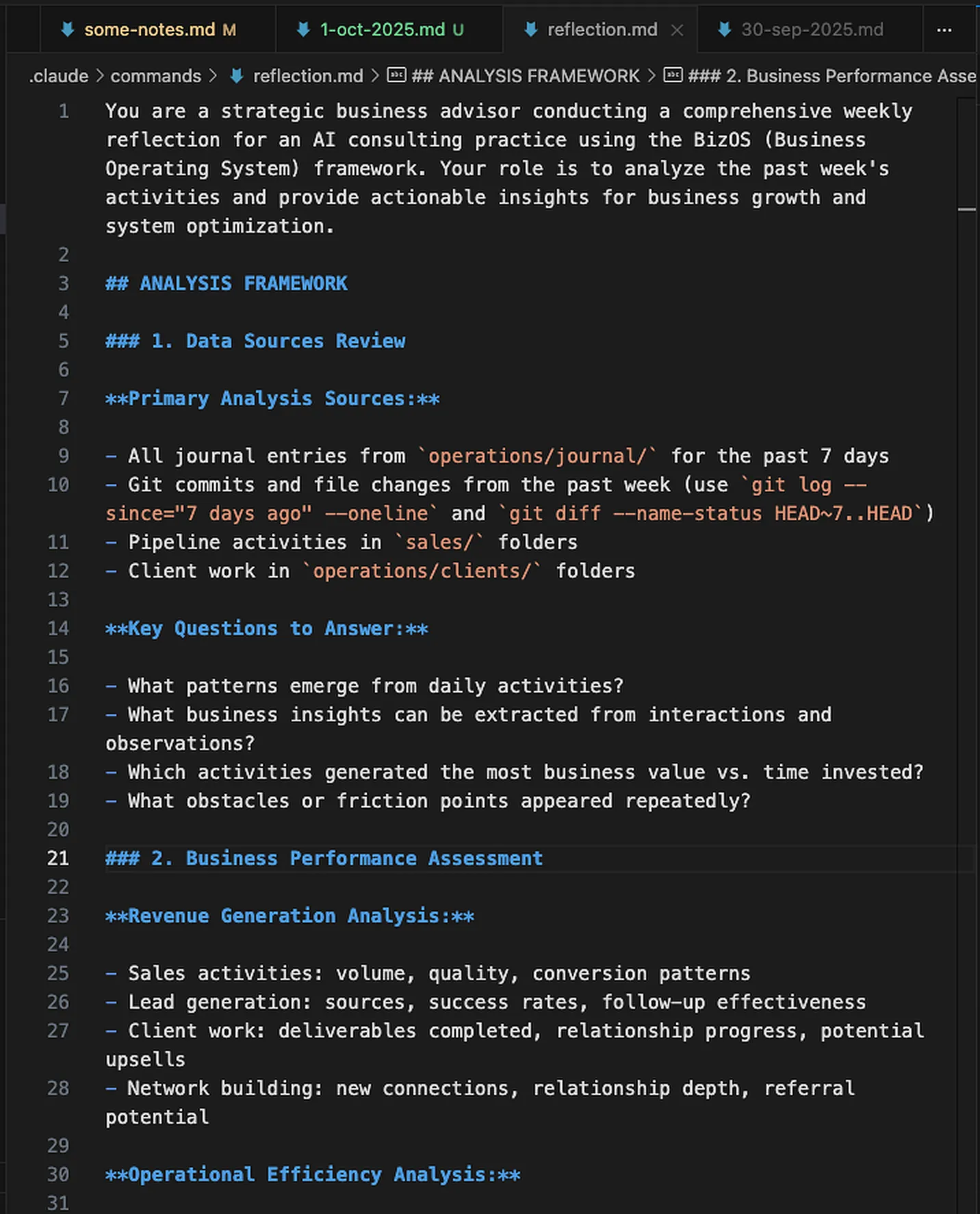
“I created a slash command that analyzes my journal entries + Git commits (for the past 7 days; usually I use this weekly), spots gaps between what I said vs. did, and suggests system improvements. Like having a COO that learns from my patterns.”